 AI-powered plugin for Final Cut Pro
Stop cutting
dead air.
ColdBlade sits next to your timeline and does the slow edits for you. AI under the hood, running entirely on your Mac.
One payment. No subscription. No credits.
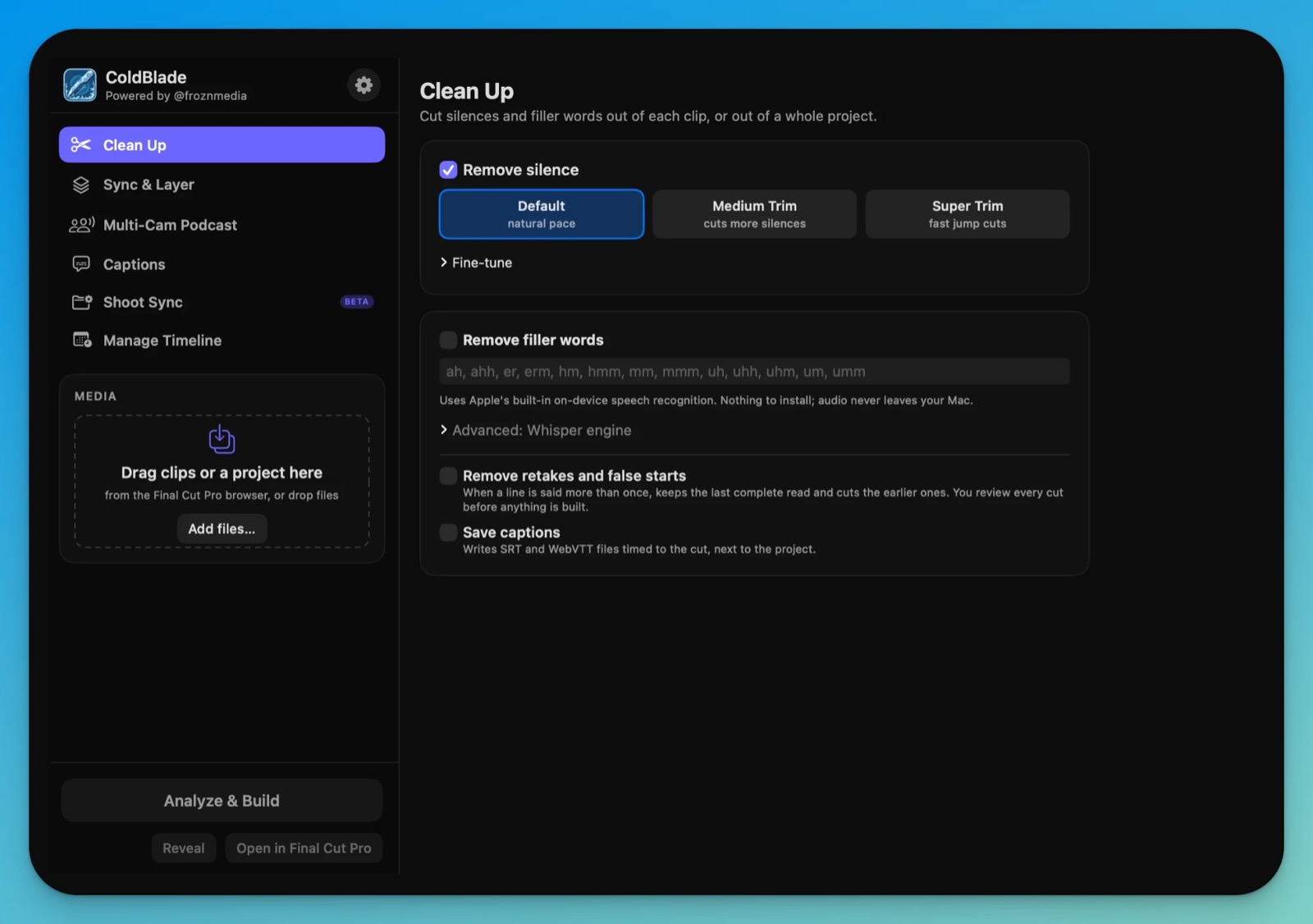 AI-powered plugin for Final Cut Pro
ColdBlade sits next to your timeline and does the slow edits for you. AI under the hood, running entirely on your Mac.
One payment. No subscription. No credits.
AI that edits like an assistant. Runs on your Mac. Never burns a credit.
No uploads, no per-minute fees, no cloud. Your footage never leaves your computer.
Drop in clips or a whole project. ColdBlade finds the dead air, the “ums” and the repeated takes, and shows you every cut before it builds anything.
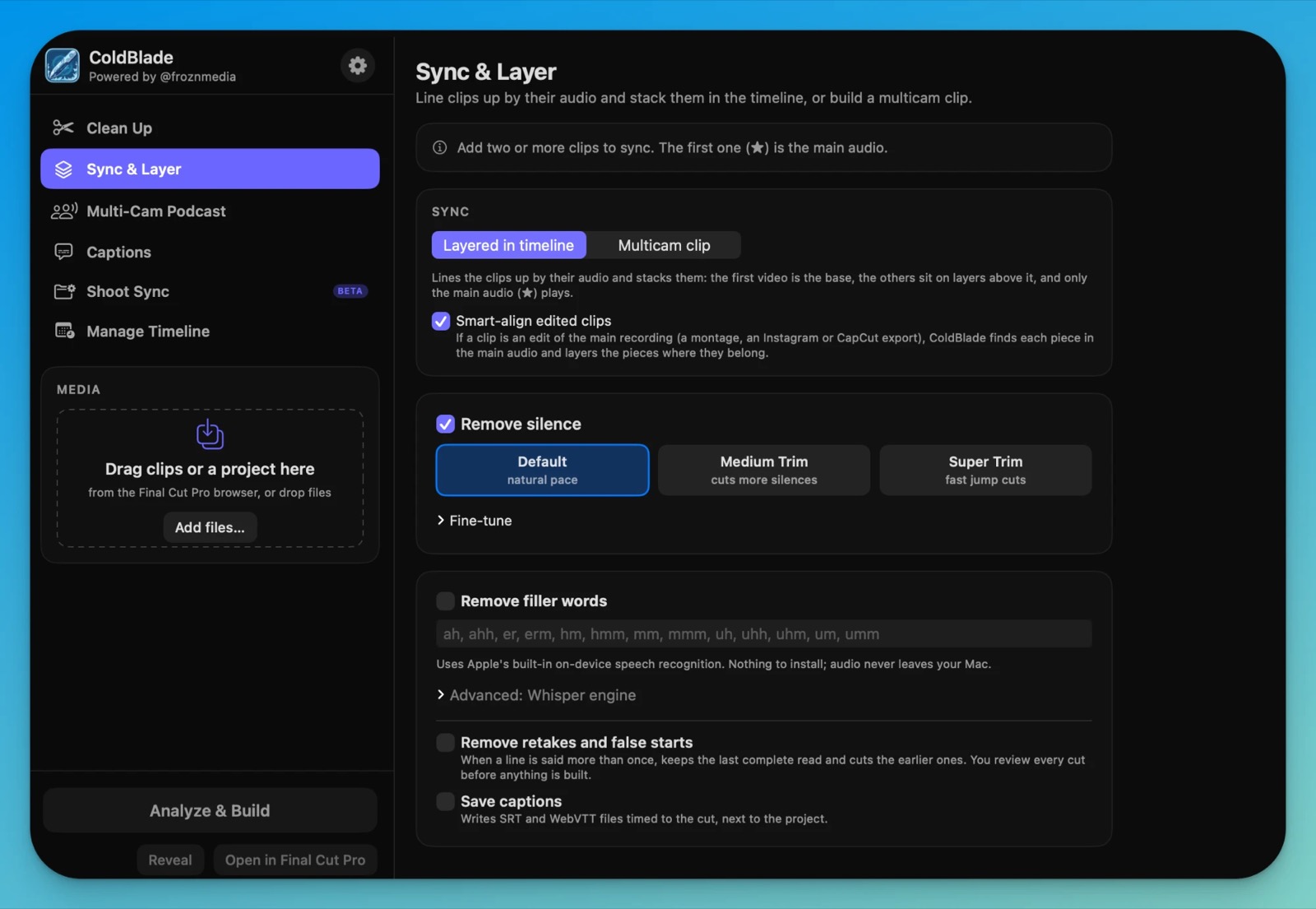
Stack clips on layers or build a multicam clip. Even an edited montage from your phone gets matched piece by piece.
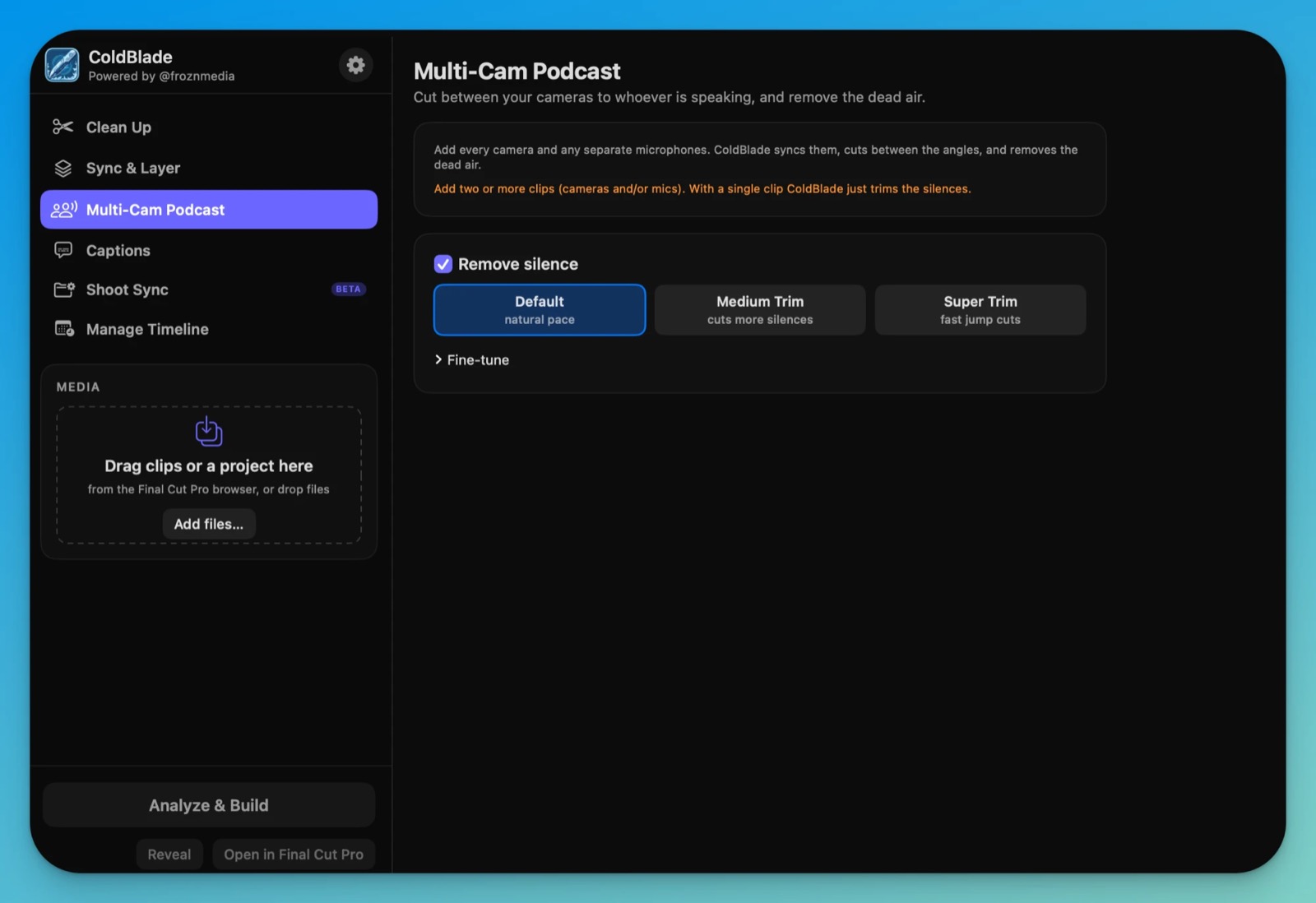
Add every camera and microphone. ColdBlade syncs them, cuts between angles as people speak, and removes the dead air.
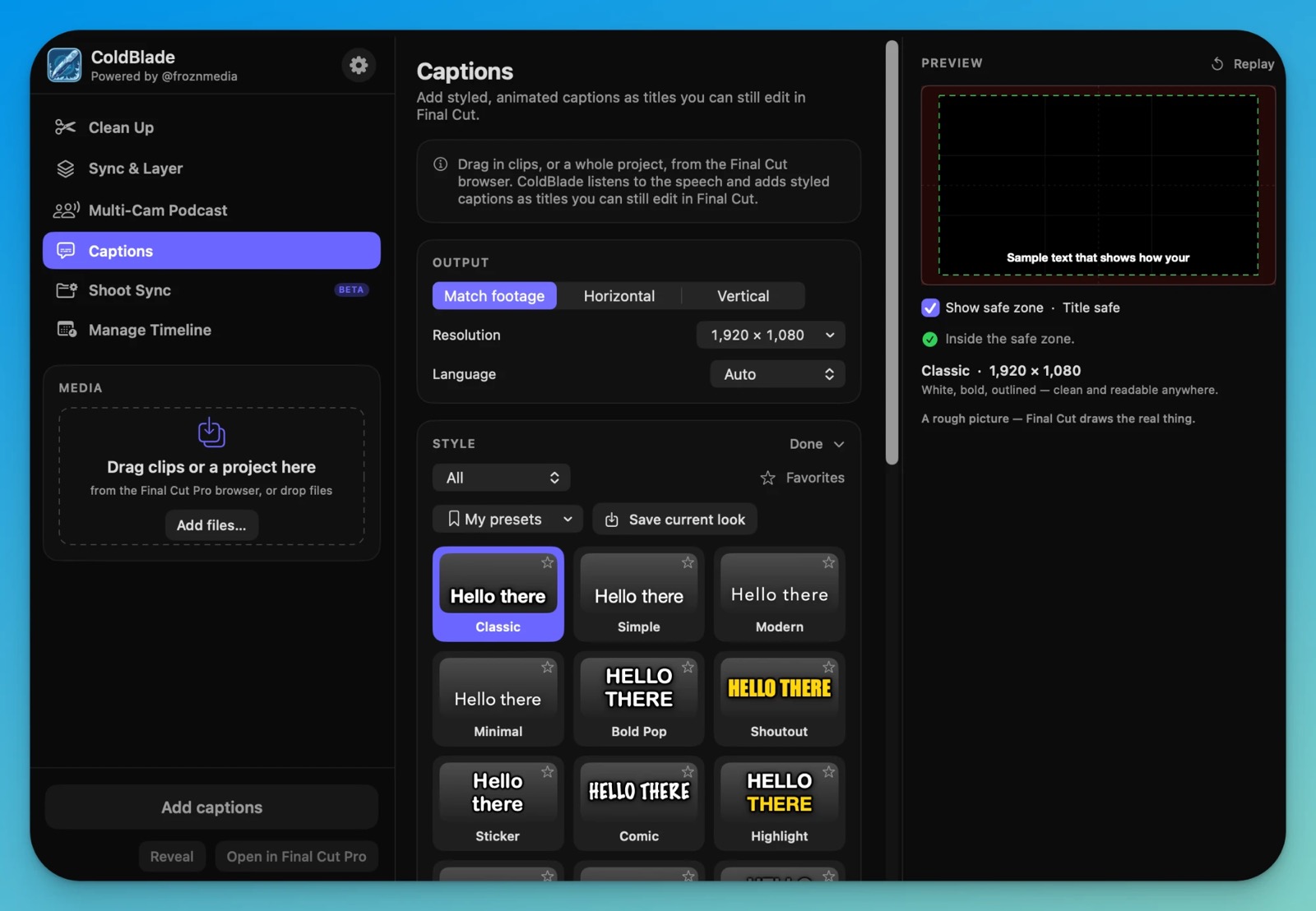
Twenty animated styles, word by word, as real Final Cut titles you can still restyle. Safe-zone guides for TikTok, Reels and Shorts.
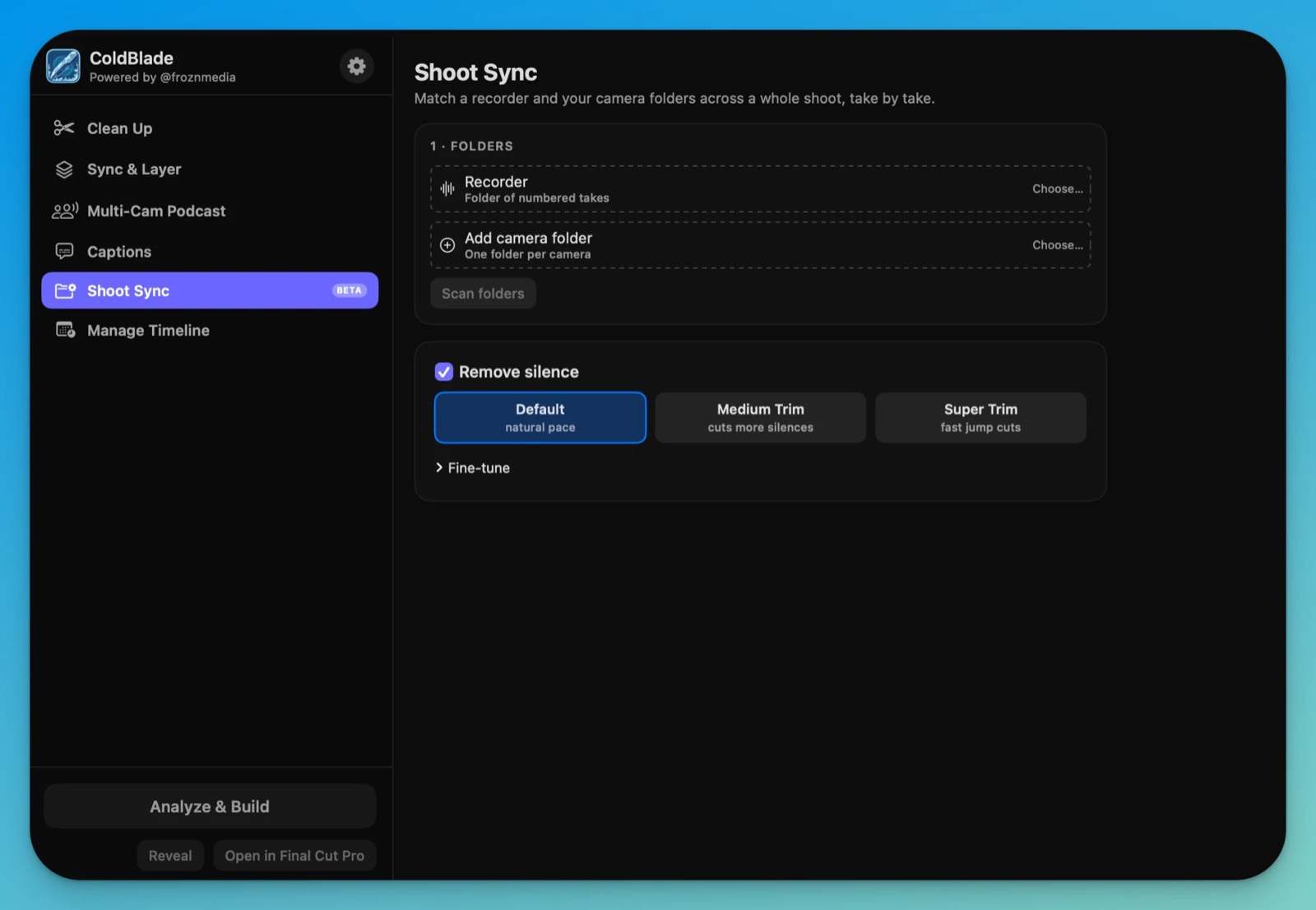
Point it at your recorder folder and your camera folders. It matches every clip to every take, even when the camera clocks are wrong.
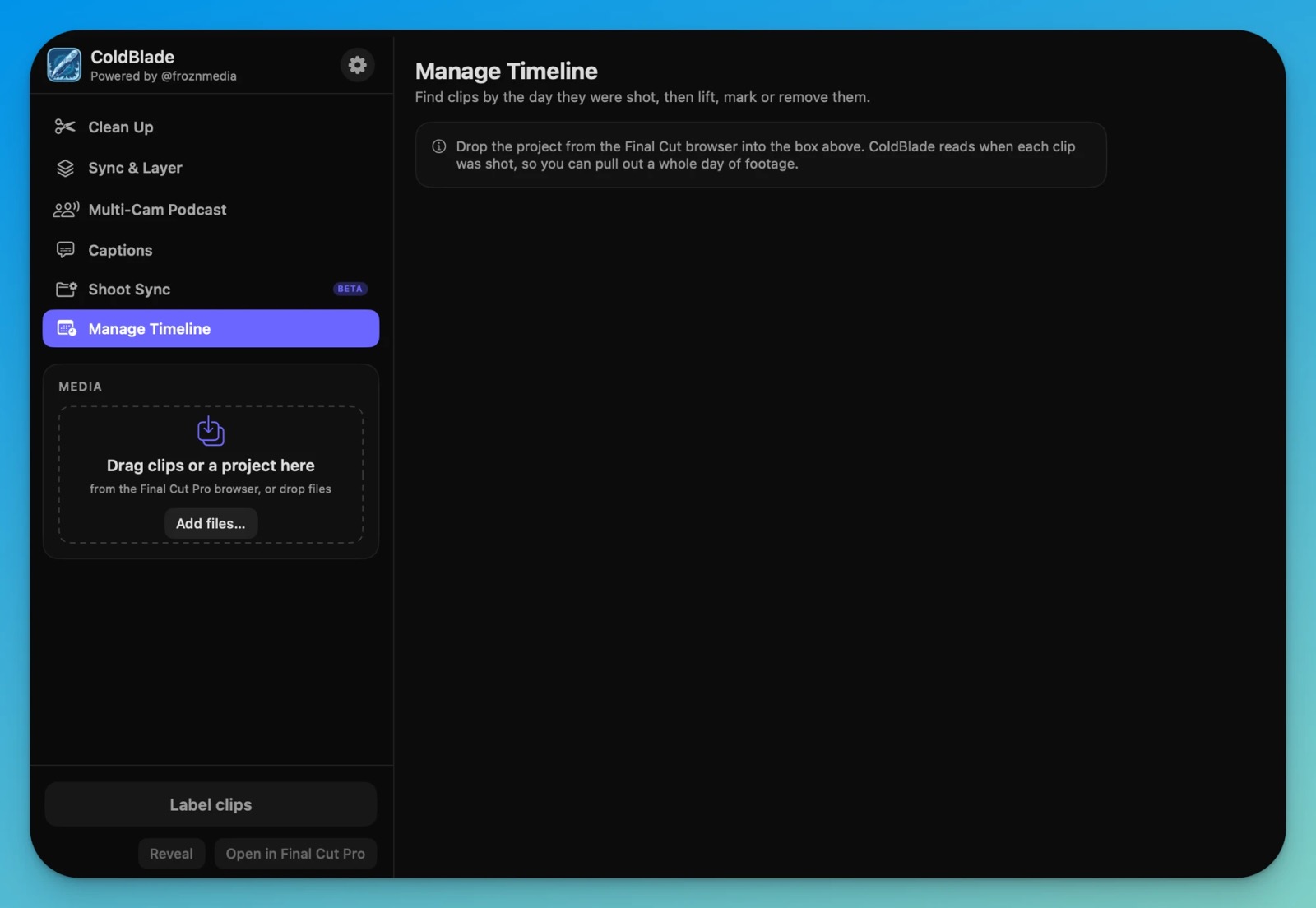
Client doesn’t want Tuesday’s footage any more? Find every clip by the day it was shot, then lift, mark or remove them.
No new app to learn. It’s a panel inside Final Cut.
Drag clips or a project from the browser into the panel.
See every cut on a strip and untick anything you want to keep.
Drag the finished project into your Event. Everything is native.
Updates are included for the first year.
Your first 12 months are already included. This opens when there’s something new to upgrade to.
A Mac with macOS 14 or later and Final Cut Pro 11 or later. Filler-word removal and captions use Apple’s built-in speech recognition, which needs macOS 26.
No. Analysis and speech recognition run on your Mac. The only thing ColdBlade contacts is the license server, to check your key.
Never. Every result arrives as a new project in your Event, so your original is untouched.
ColdBlade keeps working, forever. If you want versions released after your first year, you will be able to add another 12 months of updates for a one-time $20. No subscription, nothing renews on its own. If you don’t, you simply keep the version you have.
Two at a time. You can move your license from one Mac to another from the plugin’s settings.
Yes, within 14 days, no questions asked. Email support or use the link in your receipt.
Yes, 14 days with everything unlocked. The clock starts the first time you build something.
Try ColdBlade free for 14 days. No card needed.